Once you know the basics, a few habits make HappyMod faster, safer and far less frustrating. These are the tips we wish we had known on day one.
Key takeaways
- Match modified versions to the latest original game release.
- Use WiFi and keep storage free for smooth downloads.
- Read the newest comments, not just the vote count.
- Back up progress before you replace any game.
Downloads and storage
1. Download on WiFi
Large games download faster and resume more reliably on a stable connection.
2. Pause and resume
The download manager can pause big files. Resume later instead of starting again.
3. Delete installed APKs
Once a game is installed, its APK file can be deleted to free space.
Choosing the right version
4. Sort by newest
The most recent uploads are the most likely to match the current game update.
5. Read new comments
Comments from the last few days tell you whether a version still works.
6. Trust the badge
The 100% working badge means many players confirmed it on their phones.
Safety habits
7. Keep accounts separate
Never sign in to important accounts inside a modified game.
8. Check permissions
Deny anything a game does not need, such as SMS or contacts.
9. Back up first
Use the game’s cloud save or a backup app before replacing a game.
Keeping everything working
10. Update HappyMod
New releases improve compatibility with the latest Android versions.
11. Change DNS if blocked
Set Private DNS to dns.google if pages or downloads will not load.
12. Play offline
Offline and single player games give the best and safest experience.
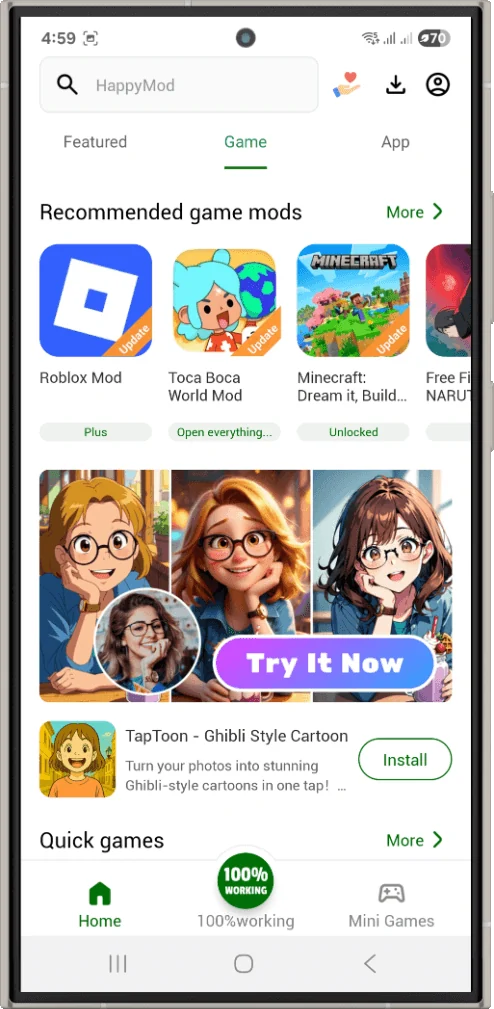 Recommendations improve as you use the app
Frequently asked questions
What is the fastest way to find a game?
Use the search bar with the exact game name, then sort versions by newest.
How much storage should I keep free?
At least 500 MB, plus the size of the game you plan to install.
Does HappyMod work on tablets?
Yes. It runs on Android tablets just like on phones.
Put these tips to work
Download the latest HappyMod and try them yourself.