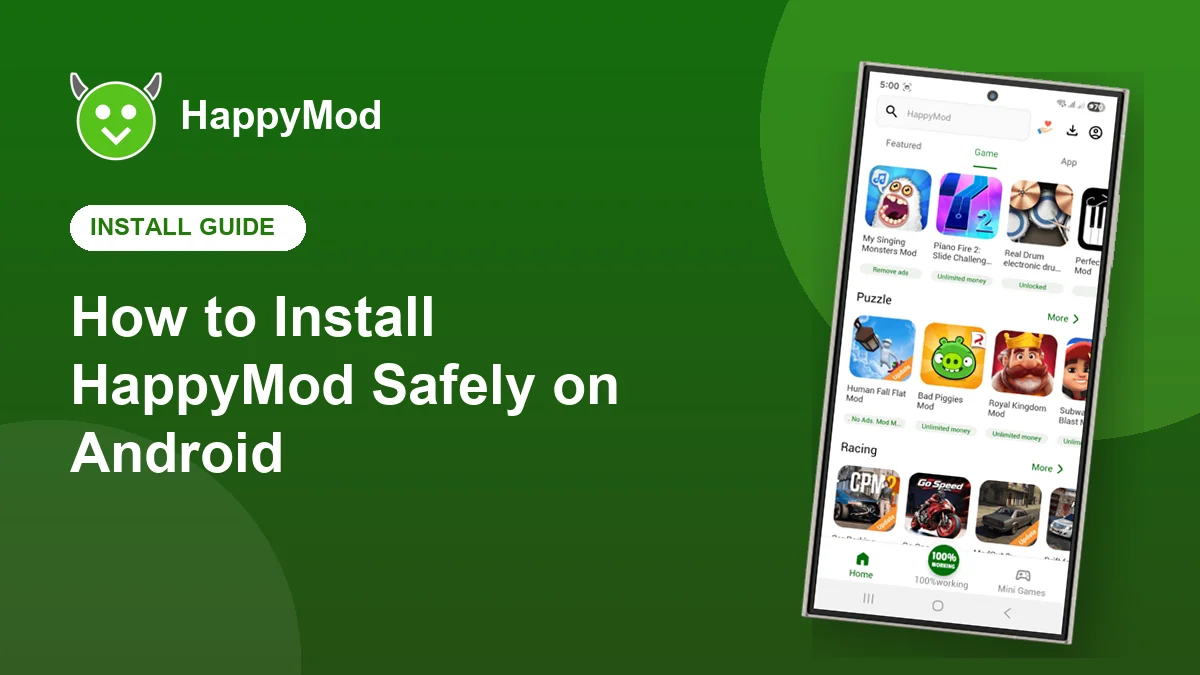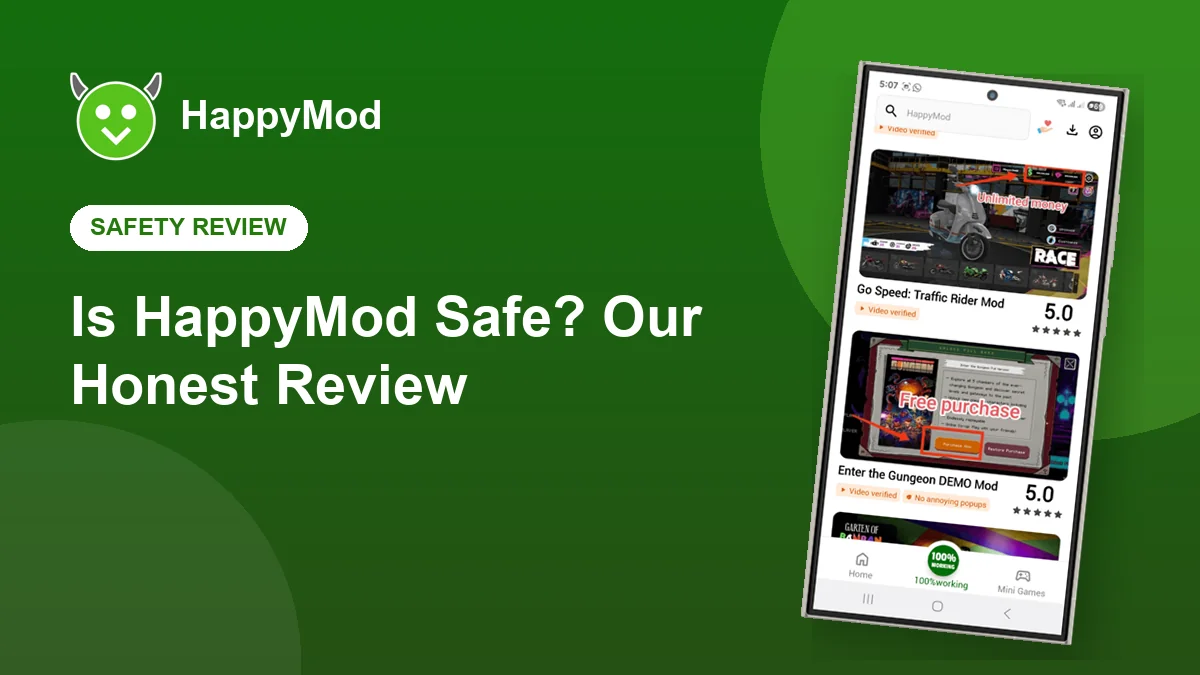
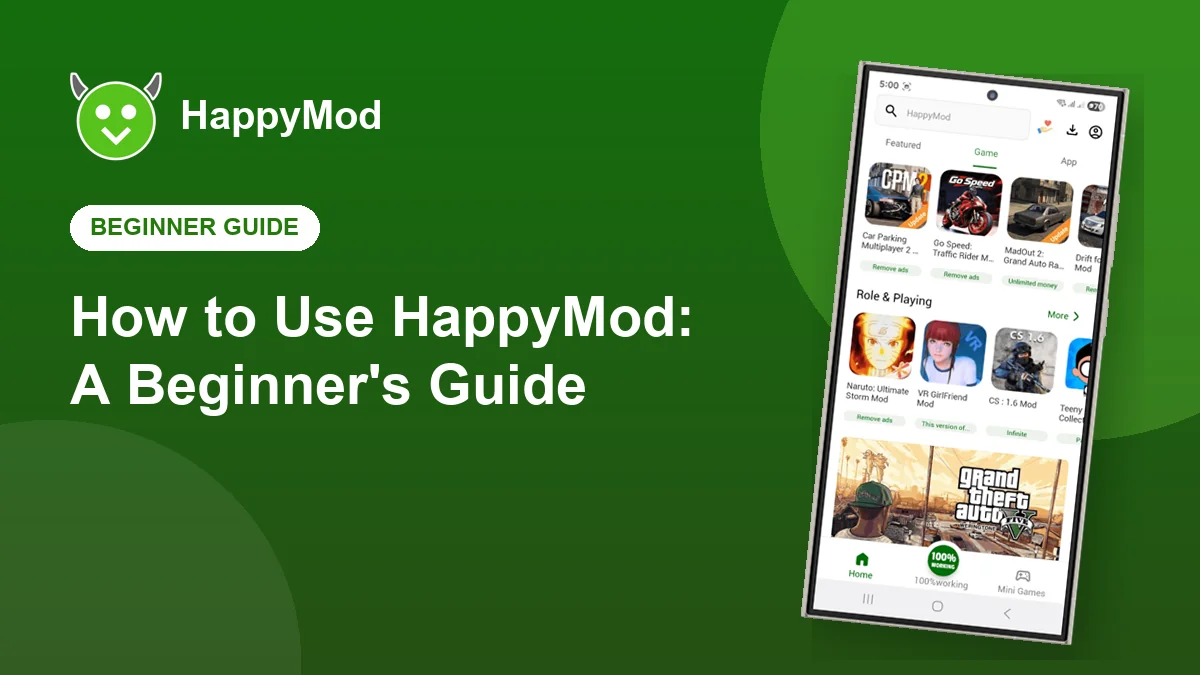
You have installed HappyMod. Now what? This guide walks through the app screen by screen so you can find the games you want, understand what each version changes and install them with confidence.
Key takeaways
- The Game and App tabs split the store into two libraries.
- Green labels tell you exactly what each version changes.
- Votes and the 100% working badge show which uploads are reliable.
- The download manager can pause and resume large files.
In this guide
A quick tour of the app
| Part of the screen | What it does |
|---|---|
| Search bar | Find any game or app by name |
| Featured, Game and App tabs | Browse curated picks or full libraries |
| Categories | Puzzle, racing, simulation, role playing and more |
| Download icon | See active and finished downloads |
| Profile icon | Settings, language and version information |
| Mini Games | Small games you can play instantly |
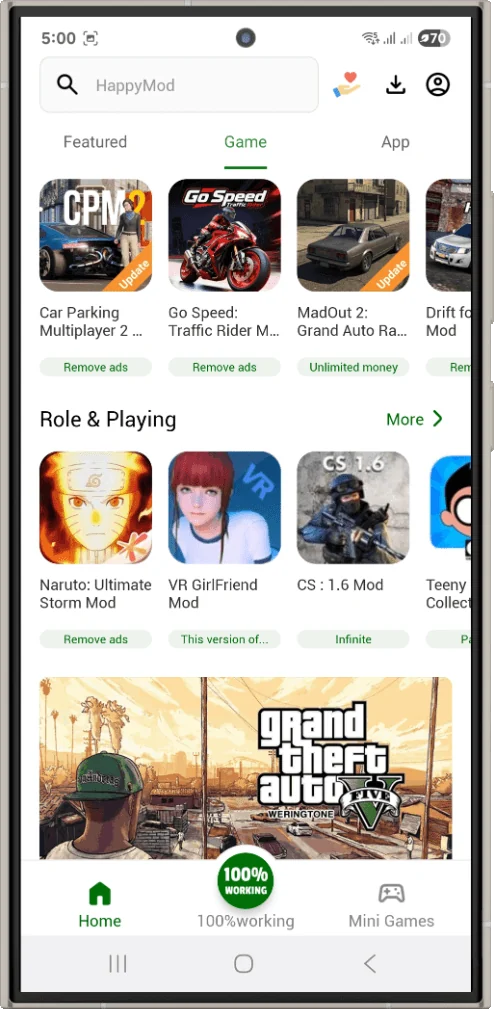
Finding a game
Type the game’s name in the search bar. Results show the game icon, its label and how many people have downloaded it. If you are just exploring, open the Game tab and scroll through the categories.
Reading the labels
Each version carries a short green label describing the change. Common ones include:
- Unlimited money: in game currency is much higher than normal.
- Remove ads: advertising inside the game is switched off.
- Unlocked: levels, characters or items are available from the start.
- Menu: an extra menu lets you switch features on and off.
Downloading and installing
- Open the game’s page and read the comments on the newest versions.
- Tap the version you want. The download starts in the built in manager.
- When it finishes, tap Install and confirm the Android prompt.
- Open the game from your home screen.
Managing your downloads
Tap the download icon to pause, resume or delete downloads. Finished APK files can be deleted after installing to save space, because the game is already on your phone.
Using the community
Vote on versions you try and leave a short comment saying whether it works on your phone. It takes seconds and it is what keeps the whole library reliable for everyone.
Frequently asked questions
Do I need an account to use HappyMod?
No. You can browse and download without signing in. An account is only needed for some community features.
Why are there several versions of one game?
Different uploaders share different changes. Compare the labels and votes to pick the one you want.
Can I change the app language?
Yes. Open your profile, then Settings, then Language.
Start exploring
Download HappyMod and try your first game today.