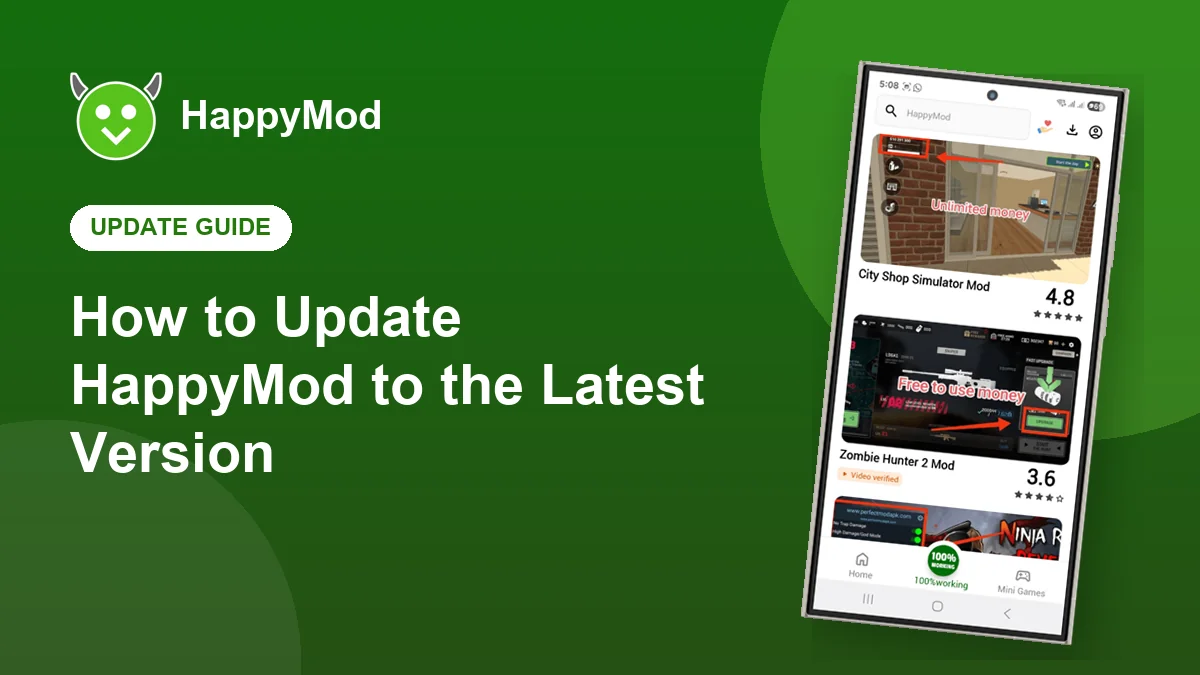
HappyMod does not update itself through Google Play, so it is easy to fall behind. Updating takes a minute, keeps your settings and gives you the newest uploads, better search and fixes for the latest Android versions. Here are both ways to do it.
Key takeaways
- The app usually tells you when a new version is ready.
- Installing the new APK over the old one keeps your settings.
- Never uninstall first unless you see an install error.
- The current version is v3.4.6.
In this guide
Check your current version
Open HappyMod, tap your profile, then Settings. The version number is listed at the bottom. You can also go to Android Settings, Apps, HappyMod. If it is lower than v3.4.6, it is time to update.
Method 1: update inside the app
- Open HappyMod while connected to the internet.
- When the update message appears, tap Update.
- Wait for the download, then tap Install on the Android prompt.
- Open HappyMod again. Your settings and downloads are still there.
Method 2: install the new APK
If the update message never appears, download the newest APK from our download page and install it over your current app. Android recognises it as an update, not a new app.
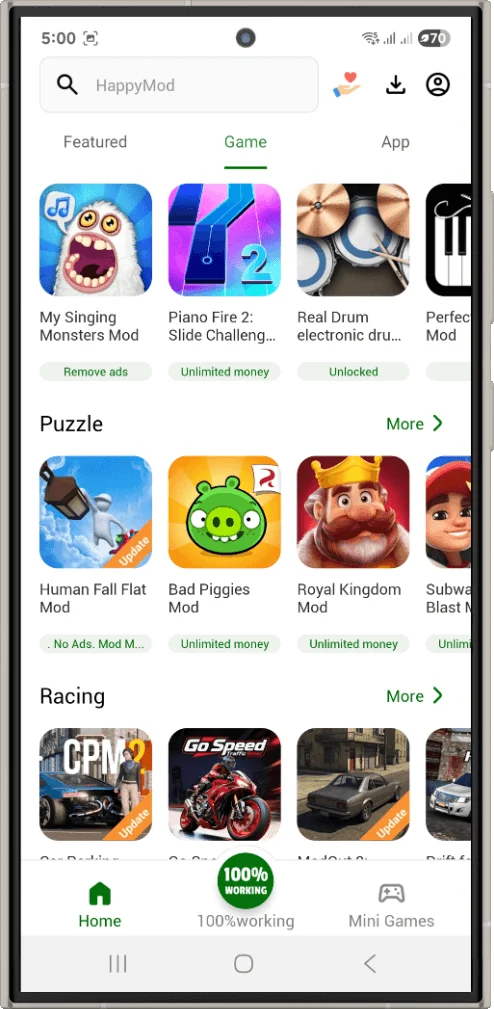
Updating the games you installed
Games from HappyMod do not update automatically either. Open the game’s page in HappyMod, look for a newer version that matches the latest original release, and install it over the old one. Back up your progress first if the game has no cloud save.
Update errors and fixes
| Problem | Fix |
|---|---|
| App not installed | The new file is signed differently. Back up, uninstall the old app, then install. |
| Update loops forever | Clear the app cache in Android Settings, then try again. |
| Download stops at 99% | Switch between WiFi and mobile data and retry. |
| Not enough space | Delete old APK files from your Downloads folder. |
Frequently asked questions
Will updating delete my downloaded games?
No. Games are separate apps and are not touched when HappyMod updates.
How often is HappyMod updated?
New versions arrive every few weeks to months, usually alongside Android changes or new features.
Can I go back to an older version?
Yes, but you need to uninstall the current one first, and older versions may not work with new uploads.
Get the latest version
Download HappyMod v3.4.6 and install it over your current app.