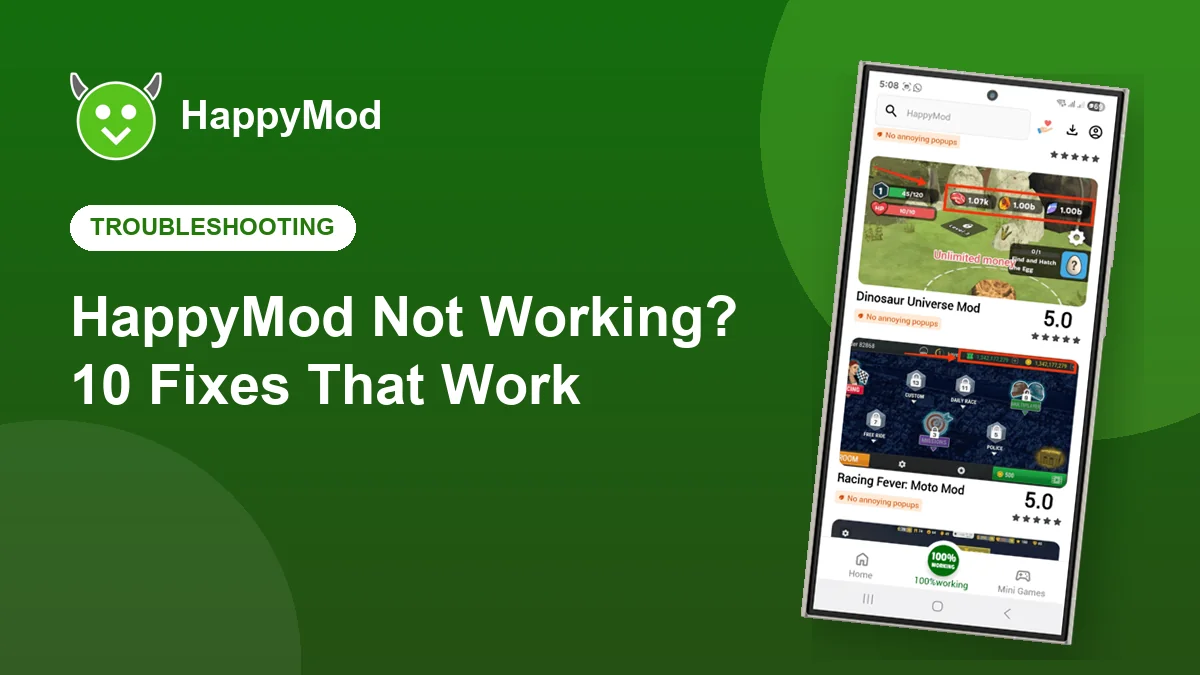
HappyMod is usually reliable, but phones, networks and Android updates can all get in the way. Work through these fixes in order. Most problems are solved by the first four.
Key takeaways
- Restarting and clearing the cache fixes most crashes.
- Parse errors mean the file did not download completely.
- Slow downloads are usually a network or DNS problem.
- Always keep HappyMod updated to the latest version.
In this guide
Quick diagnosis table
| Symptom | Try |
|---|---|
| App closes on launch | Fixes 1, 2 and 3 |
| Downloads stuck or slow | Fixes 4, 5 and 6 |
| Parse error or App not installed | Fixes 7 and 8 |
| A game will not open | Fixes 9 and 10 |
The 10 fixes
Restart your phone
A simple restart clears stuck processes and frees memory. It solves more problems than you would expect.
Clear the app cache
Settings, Apps, HappyMod, Storage, Clear cache. This does not delete your downloads.
Update HappyMod
Old versions can break after Android updates. Install the newest APK over the current one.
Switch networks
Move between WiFi and mobile data. Some networks block or slow file hosts.
Change your DNS
Set Private DNS to dns.google in Android network settings to fix sites that will not load.
Free up space
Downloads fail silently when storage is almost full. Keep at least 500 MB free.
Download again
A parse error means the file is incomplete. Delete it and download on a stable connection.
Uninstall the old version
If Android says App not installed, the old copy is signed differently. Back up and uninstall it first.
Match the game version
If a game will not open, pick a modified version that matches the latest original release.
Try another upload
Different uploaders build versions differently. Choose another one with recent positive votes.
Still not working?
Uninstall HappyMod completely, restart your phone and install a fresh copy from our download page. If the problem continues, contact us with your phone model and Android version.
Frequently asked questions
Why does HappyMod say no internet connection?
Your network may be blocking it. Switch networks or set Private DNS to dns.google.
Why are some games missing?
Uploads can be removed after copyright requests or when they stop working. Search for the game again later.
Does clearing data delete my games?
No. Clearing HappyMod’s data only resets the store app. Your installed games stay on your phone.
Start fresh
Download a clean copy of the latest HappyMod APK.