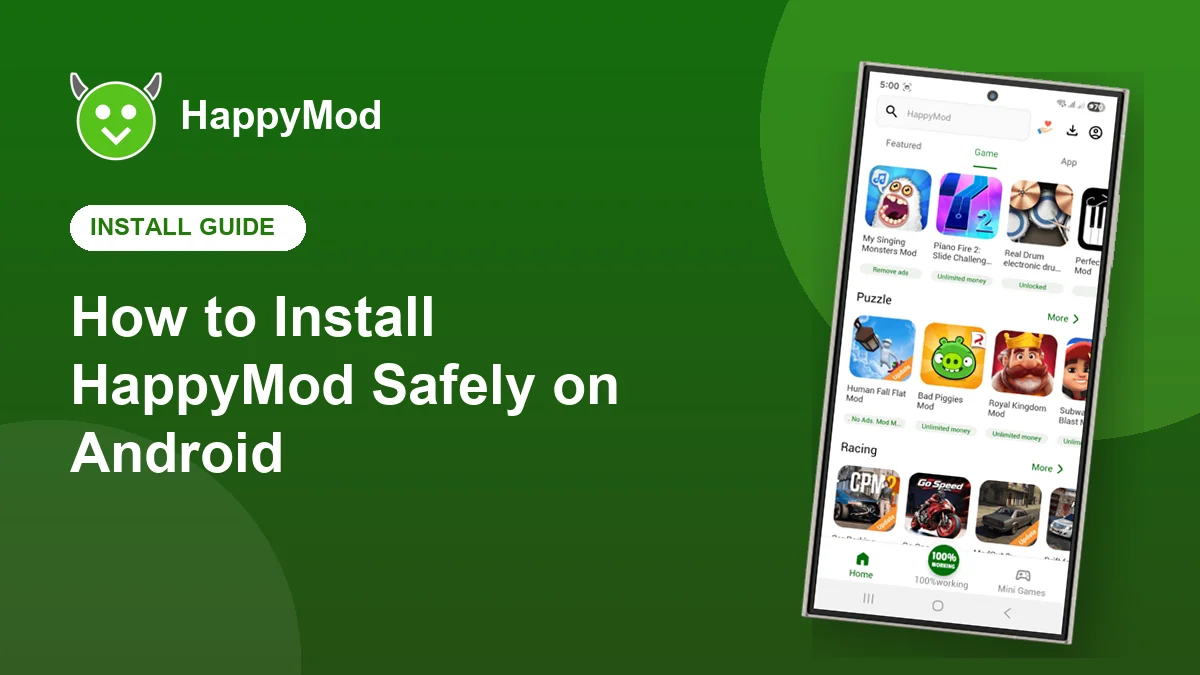
Installing an app from outside Google Play sounds technical, but it only takes a minute once you know the steps. This guide walks you through installing HappyMod the safe way, explains what every Android warning means and shows you how to fix the errors that stop most people.
Key takeaways
- The real HappyMod APK is about 20 MB. Anything much bigger, or a ZIP, is a red flag.
- You only need to allow installs from your browser once.
- Keep Google Play Protect switched on. It scans every new app for you.
- Never sign in to Google, banking or social apps through a modified game.
In this guide
Before you start
- An Android phone or tablet running Android 5.0 or newer
- At least 100 MB of free storage
- A stable WiFi or mobile data connection
- Five minutes and this guide open in another tab
1. Get the APK from a trusted page
Fake download pages are the biggest risk. They hide the real link behind several fake buttons, ask you to complete surveys or push a different app entirely. Use a page that links straight to the file, like our download page, and check that the file is around 20 MB.
Red flags: a file that ends in .zip or .exe, a size of several hundred megabytes, a page that asks for your phone number, or a download that installs a different app name.
2. Allow installs from your browser
Android blocks APK installs by default to protect you. On Android 8 and newer, permission is given per app. When you open the file, Android asks for it. Tap Settings, turn on Allow from this source, then press back. You only need to do this once for your browser.
| Android version | Where to find the setting |
|---|---|
| Android 8 to 15 | Settings, Apps, Special app access, Install unknown apps, choose your browser |
| Android 7 and older | Settings, Security, turn on Unknown sources |
| Samsung One UI | Settings, Security and privacy, More security settings, Install unknown apps |
3. Install and let Play Protect scan
Tap Install. Google Play Protect may scan the file first, which is a good thing. If it shows a general warning about apps from unknown sources, that is normal for every APK. If it reports a specific threat, stop and delete the file.
4. Pick safe versions inside HappyMod
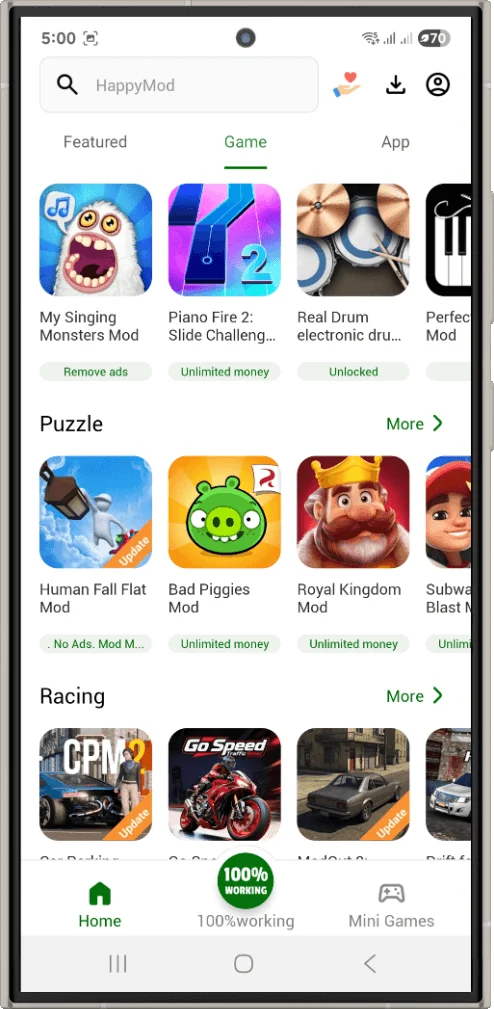
Inside HappyMod, every game can have several versions from different uploaders. Choose the one with the green 100% working badge, a high number of votes and recent positive comments. The change list tells you exactly what was modified, so you are never guessing.
5. Protect your accounts
- Never sign in to Google, Facebook or banking apps through a modified game.
- Use modified versions only for offline or single player games.
- Back up your game progress before replacing an original game.
- Uninstall any app that asks for permissions it clearly does not need, such as SMS or contacts.
Fixing common install errors
| Error | Fix |
|---|---|
| App not installed | Uninstall the older version first, then try again. |
| Parse error | The download is incomplete. Download the file again on a stable connection. |
| Blocked by Play Protect | Tap More details, then Install anyway, only if you trust the source. |
| Not enough space | Free up at least 100 MB and retry. |
| Install button greyed out | Turn off screen overlay apps such as bubbles or blue light filters. |
Frequently asked questions
Is it safe to allow unknown sources?
Yes, as long as you only install files you trust. You can switch the permission off again after installing.
Do I need to uninstall the old version first?
No. Installing a newer HappyMod over the old one keeps your settings. Only uninstall first if you see an App not installed error.
Can I install HappyMod on a TV box?
Most Android TV boxes can install APK files with a file manager, although the app is designed for touch screens.
Ready to install?
Grab the latest HappyMod APK and follow the steps above.