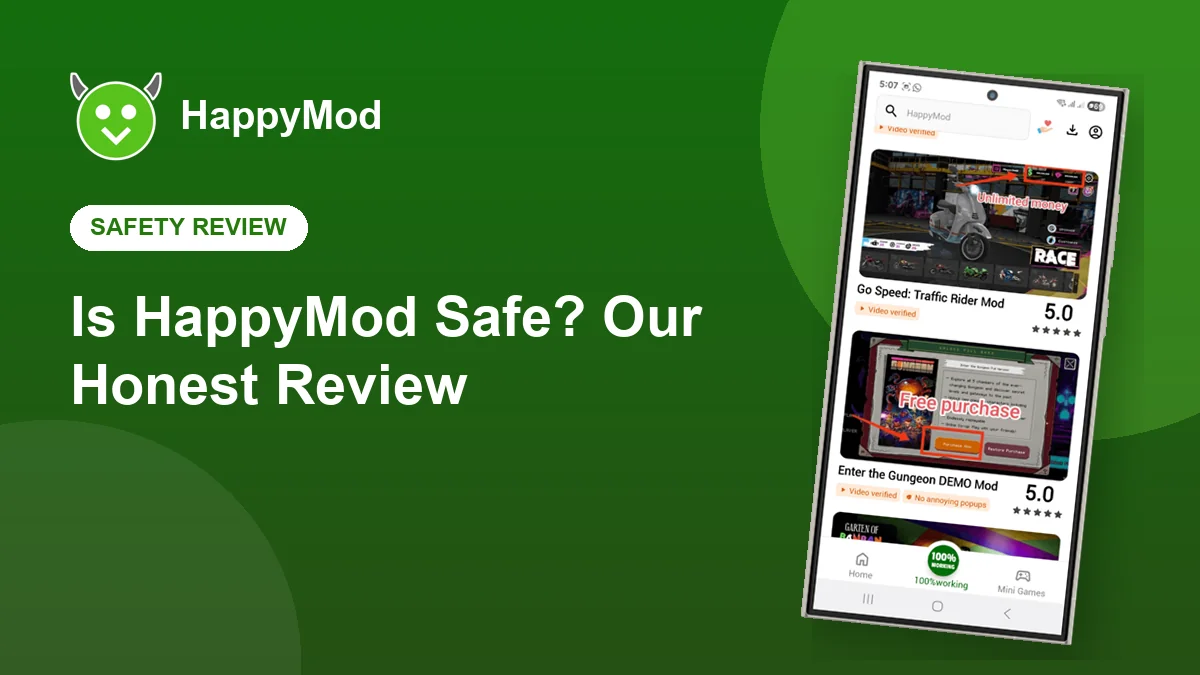
It is the first question almost everyone asks, and it deserves a straight answer. The HappyMod app itself is a long running, widely used store. The risk sits in the individual files, because they come from many different uploaders. Here is how to judge them, and how to stay safe.
Key takeaways
- The HappyMod app is widely used and generally considered safe to install.
- Individual uploads vary, so votes, badges and comments matter.
- The biggest danger is fake HappyMod download sites, not the app itself.
- Online games and account logins are where real problems happen.
In this guide
The short verdict
HappyMod is safe enough for most people when used sensibly: download the app from a trusted page, stick to well rated versions of offline games, and never connect your important accounts to a modified app. Problems almost always come from ignoring one of those three rules.
The real risks
| Risk | Level | How to avoid it |
|---|---|---|
| Fake download sites | High | Use a page that links straight to the APK |
| Bad uploads | Medium | Choose versions with the 100% working badge |
| Account bans in online games | Medium | Use modified versions only offline |
| Too many permissions | Low | Check permissions before you install |
| Lost game progress | Low | Back up before replacing a game |
How community testing helps
Every upload in HappyMod can be voted on. Players who install a version report whether it works, and the comments under each file are a running record of what happened on real phones. Versions that keep working earn the green 100% working badge, while broken or suspicious files get pushed down quickly.
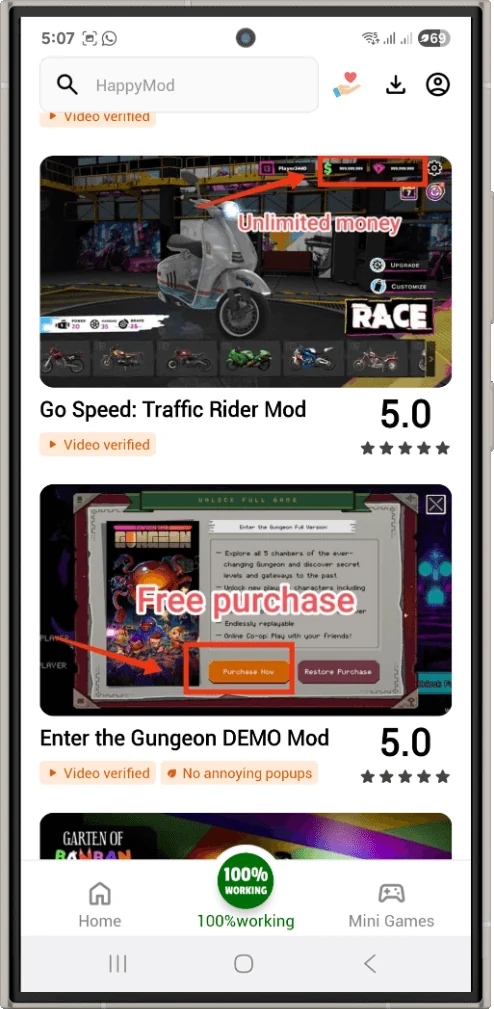
A five point safety checklist
- Is the version badged as 100% working, with many votes?
- Do the newest comments say it still works after the latest game update?
- Does the change list match what you expected, with nothing unusual?
- Is the file size close to the original game on Google Play?
- Does the app ask only for permissions that make sense for a game?
Permissions to watch
A game needs storage and sometimes network access. It does not need your SMS messages, call logs, contacts or accessibility services. If a modified game asks for those, deny the permission and uninstall it.
Android lets you review permissions at any time: open Settings, Apps, choose the app, then Permissions.
Account bans explained
Online games compare what your phone reports with what their servers expect. Unlimited coins or unlocked items stand out, and accounts can be suspended. Offline and single player games do not have this problem, which is why they are the best fit for HappyMod.
Frequently asked questions
Does HappyMod contain malware?
The official app is not known to contain malware. Risk comes from fake download sites and from individual uploads, which is why checking votes matters.
Should I use an antivirus app?
Google Play Protect is built in and enough for most people. A second scanner is optional.
Is HappyMod safe for kids?
We do not recommend it for young children, because some games contain ads and content aimed at older players.
Download the real HappyMod
Get the genuine APK straight from our download page.