If you have ever installed an app from outside Google Play, you have used an APK file. Here is what it actually is, why it exists and how to handle one safely.
Key takeaways
- An APK is the package format Android uses to install apps.
- Google Play uses the same idea behind the scenes.
- APK files can be installed manually once you allow it.
- Only install APK files from sources you trust.
In this guide
What APK means
APK stands for Android Package Kit. It is a single file that contains everything an Android app needs to install: its code, images, sounds and a description of the permissions it uses. Think of it like a setup file on a computer.
What is inside an APK
| Part | What it does |
|---|---|
| Code | The instructions that make the app work |
| Resources | Images, sounds, layouts and translations |
| Manifest | The app’s name, version and permissions |
| Signature | A digital stamp that proves who built the file |
Why people install APK files
- The app is not available in their country
- They want an older version that worked better
- The app is not allowed on Google Play, like HappyMod
- They want to install an app on a device without Google services
APK vs Google Play
| APK file | Google Play | |
|---|---|---|
| Updates | Manual | Automatic |
| Review | None, you decide | Reviewed by Google |
| Availability | Any app | Approved apps only |
| Account needed | No | Yes |
How to install an APK
- Download the APK from a trusted source.
- Open the file and allow installs from your browser when asked.
- Tap Install and wait for Play Protect to scan it.
- Open the app from your home screen.
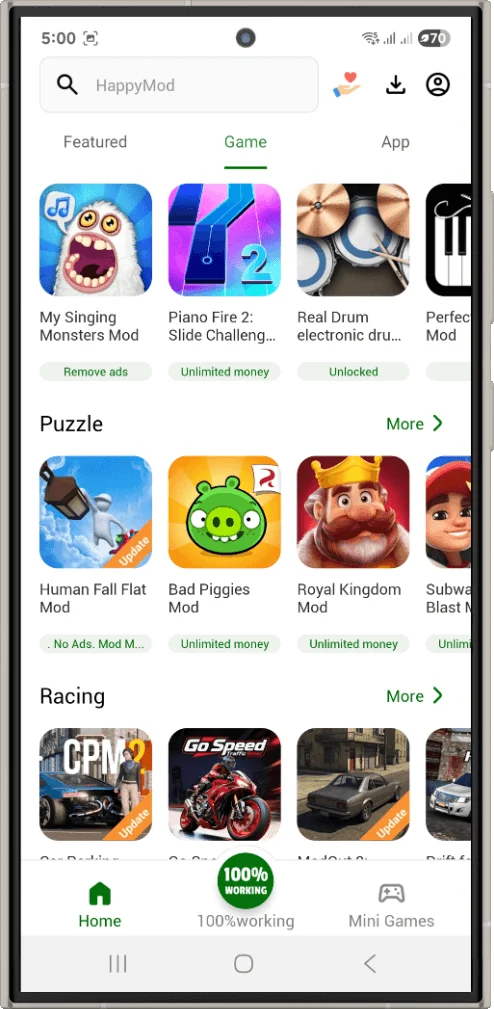
Ready to try? Follow our safe install guide to install HappyMod (20 MB).
Frequently asked questions
Are APK files safe?
The format is safe. The risk depends on who made the file, so stick to trusted sources.
What is an XAPK or APKS file?
These bundle an APK with extra data files. They need a special installer app.
Can I open an APK on my computer?
Only with an Android emulator. Windows and Mac cannot run APK files directly.
Install your first APK
Download HappyMod and follow the steps above.